Tour / Color & Vector / Vectorscope
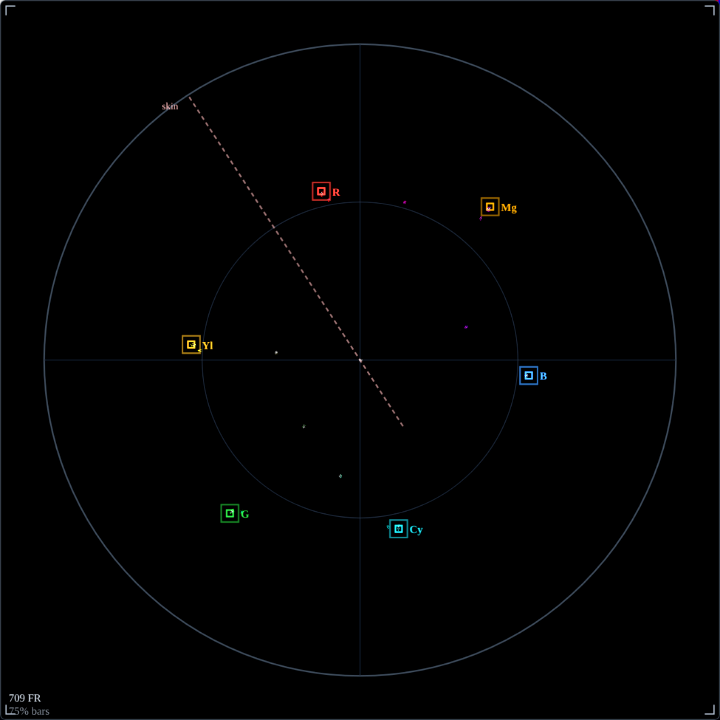
How to read it
Shown here on 75% color bars — the reference every vectorscope is built around. Each colored cluster is a bar landing in (or near) its target box.
- Target boxes (R · Yl · G · Cy · B · Mg)
- The six little squares mark where 75% color bars should land. A correctly-balanced bars signal drops each cluster right inside its box — exactly as above.
- The skin-tone line
- The dashed diagonal at ~123°. Human skin — any skin tone — falls along this line when white balance is correct. The single most useful reference on the scope for real faces.
- Center = neutral
- Zero saturation sits dead center. Whites, grays, and blacks pile up here. Drift off-center means a color cast; the direction tells you which way.
- Distance = saturation
- The farther a point sits from center, the more saturated it is. The outer ring is the legal limit — points beyond it are over-saturated for the target gamut.
- Profile-aware graticule
- The target boxes are computed from the active Source Profile's matrix, so they move correctly for Rec.709 vs Rec.601 vs Rec.2020 — the scope always matches your signal.
Controls
The header button cycles visual gain. Everything else — targets, skin line, profile — updates automatically from the source.
True scale — 75% bars land on the target boxes. The default reference view.
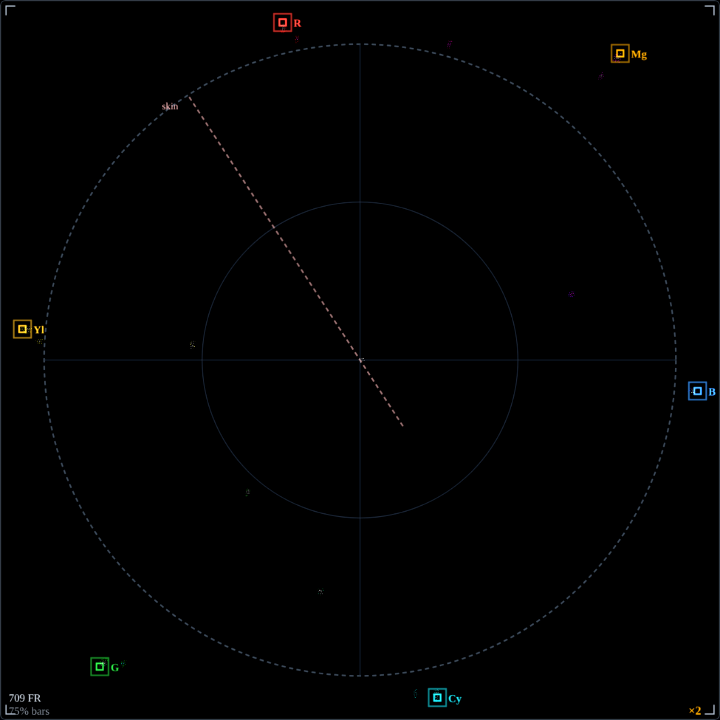
Doubles the plot. Low-saturation drift near the center becomes readable — good for spotting a subtle cast on near-neutral footage.
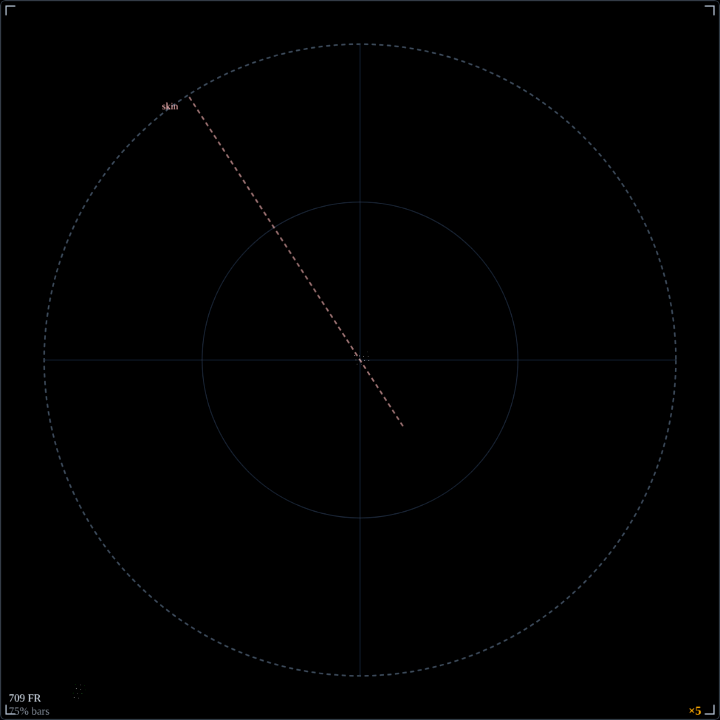
Maximum magnification for tiny chroma errors — noise, matrix drift, and faint casts on otherwise-neutral scenes.
Click the gain button in the window header to cycle magnification. Use ×2 or ×5 to inspect low-saturation drift around the center; return to ×1 to check bar legality.
Set from the top-bar Source Profile selector (not the scope itself). It moves the target boxes and skin line to match Rec.709 / 601 / 2020, so the scope reads correctly for whatever the camera or capture card is sending.
Saves the scope exactly as shown to a PNG — handy for documenting a look or sending a colorist a reference.
In practice
On real footage the tight clusters of bars become clouds — but the reads are the same.
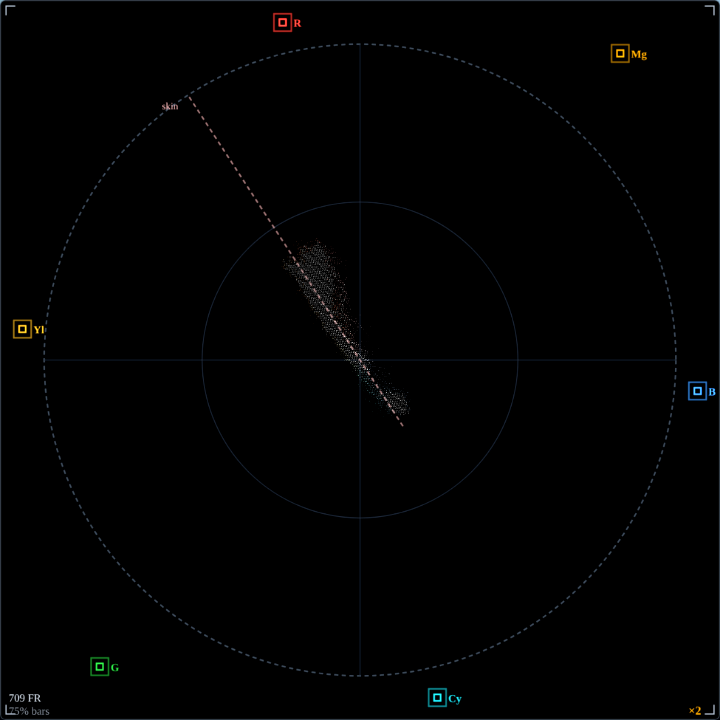
- White-balance a face in seconds
- Point at skin and watch the cloud: sitting on the skin-tone line means neutral WB. Leaning warm (toward R/Yl) or cool (toward B/Cy) tells you exactly how far off you are, and which way to correct.
- Judge saturation at a glance
- A grade that's pushing too hard flings clusters toward the outer ring; a flat log image huddles near the center. The spread is your saturation, live.
Line up color bars
The canonical use — confirm a bars signal is legal and correctly decoded before you trust anything downstream.
Match two cameras
Drop the same chart in front of each and nudge until both vectorscopes overlay. Instant multi-cam color match.
Catch a cast
Bump to ×2/×5 on a "neutral" shot — a center cloud that leans off-axis reveals a tint the eye would miss.